
AR filming guidelines
Introduction and orientation
How to record athletes, celebrities and other subjects so alpha-channel video aligns naturally with visitors in an AR scene.
Purpose
These guidelines are for recording athletes, celebrities or other people for a realistic AR experience. Final assets include an alpha-channel video, a still frame extracted from the video and a square portrait photo.
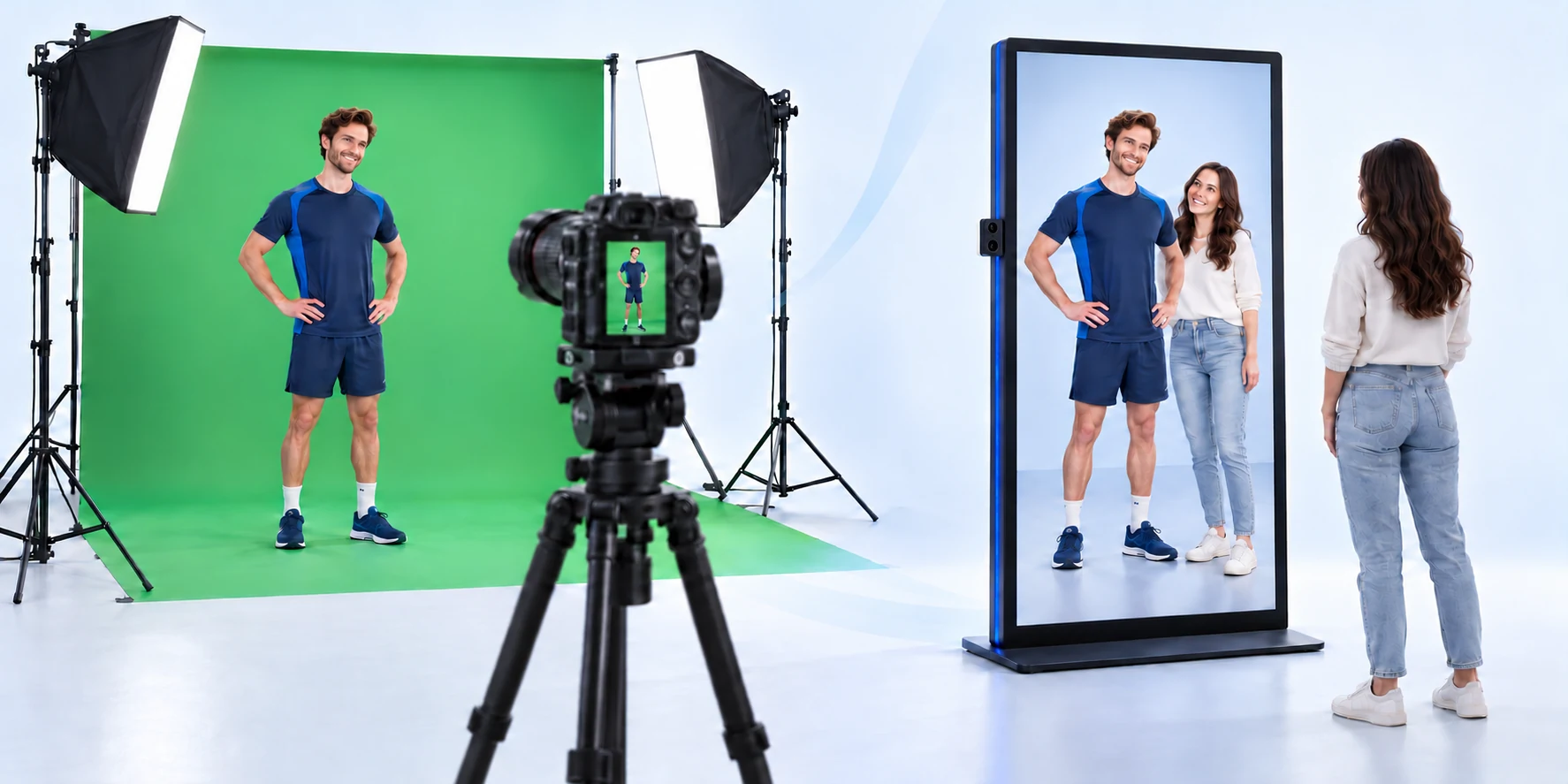
Steps and settings
Recording setup
| Parameter | Specification |
|---|---|
| Resolution | 4K, minimum 2160 × 3840 px |
| Camera height | 140 cm from floor |
| Field of view | 75°–85° |
| Distance | 2 m between the camera and the subject |
| Lighting | Neutral, evenly diffused, no strong shadows |
| Background | Green screen or contrasting solid background |
| Output | Video with transparent alpha channel |
Camera position
The physical screen camera is on the left or right edge rather than centered. Mirror that side offset during recording, aim horizontally toward the screen center and tilt slightly downward toward typical visitor eye level. The original production guideline uses an approximately 50 cm side offset.
Framing and movement
Record each person individually with the full body visible. Keep the feet around 10% above the bottom and the head about 25% below the top, leaving space for the visitor. The person enters from one side, occupies one half of the frame, turns toward the camera and performs a natural gesture. Keep movement smooth to reduce blur and improve keying.
9–10 second sequence
0–7 s: enter and interact naturally. Around 7 s: remain completely still for at least one second so a sharp still frame can be extracted. 8–10 s: wave/smile/finish and exit the same way.
Square portrait
Also provide a uniform 512×512 px square portrait with head, shoulders and upper chest on a white background. It can be used in the person-selection interface.
Related topics and next steps
← Back to overview – Integrations & content creation
Contact your software provider.