Dinosaur
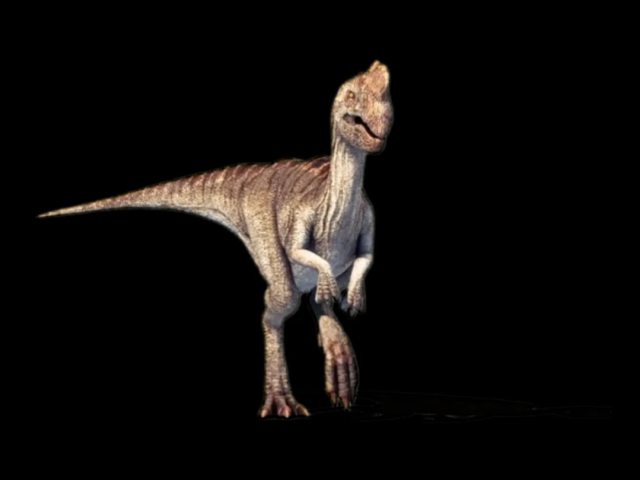 Download alpha video (.mov)
Augmented reality that combines a live camera feed with alpha-channel video so digital content appears inside the real environment. Augmented Reality Experience overlays video with a transparent alpha channel onto the live camera feed. Only the subject remains visible while the real environment comes from the camera. A bus-stop screen can show a tiger running through the real scene. Another use is a realistic virtual encounter with a celebrity, athlete or mascot. The visitor sees the real camera scene together with the inserted AR subject. A person can stand in front of the camera while a pre-recorded celebrity appears beside them.
The administrator prepares the transparent video and determines how it is used in the AR scene, for example in a loop or in a specific part of a timed sequence. The basic Augmented Reality Experience application combines the camera image with AR video. Features such as capturing the resulting photograph, delivering it to the visitor or other interactions can be developed as custom functionality.
For a realistic result, it is important to align the perspective, camera height and placement, the position of virtual elements, and well-prepared content with a transparent background (alpha channel).
If you plan to film your own content, follow the AR character filming guidelines.
To try the application, you can also use the downloadable sample materials, which are ready to use in the application.
Make the application available within a configured start and end date. See application availability scheduling for details.
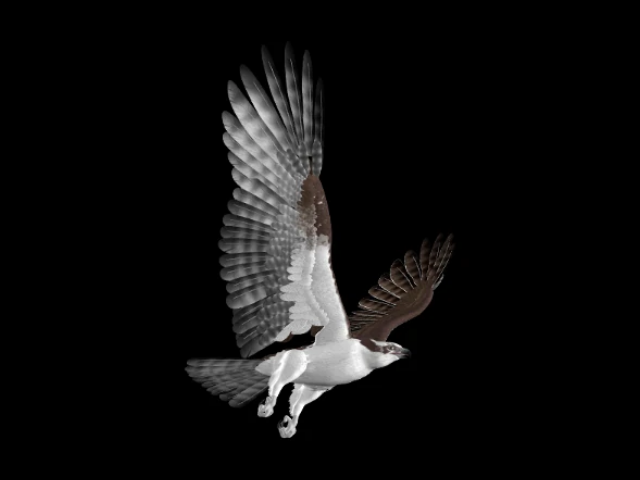
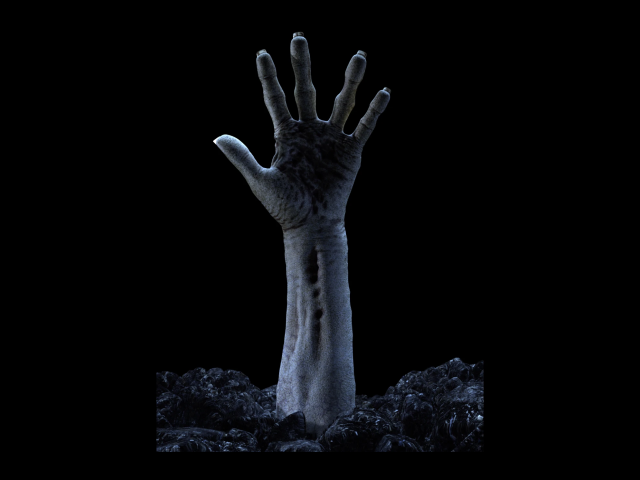
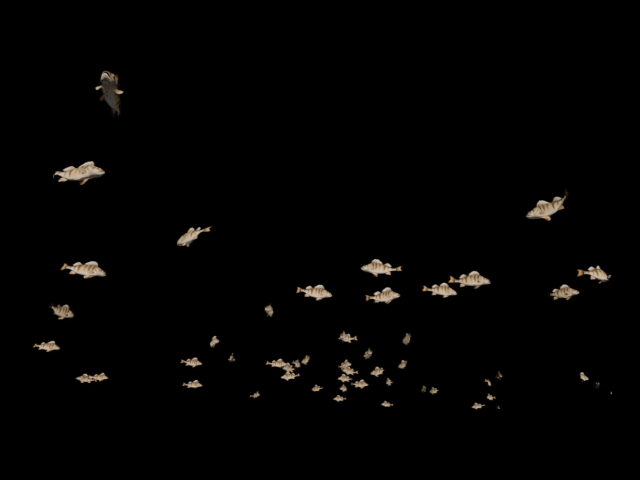
Download a sample video with an alpha channel to use as AR content in the Augmented Reality Experience application. The images below are static previews; their black background is not part of the final AR scene.
The system has also implemented extended versions with photo capture. These features are custom extensions and are not automatically included in the basic version of Augmented Reality Experience.
On the target screen, check that the app opens, shows the content and returns to the menu. Saving alone does not confirm delivery to the device.
← Back to overview – Applications